Quick Summary
Discover modern TDL development in 2026, including TallyPrime customization, JSON and API integration, CRM/ERP connectivity, custom reports, automation, and real-world business solutions by ADISOFTTECH.
TDL Development in 2026: TallyPrime Customization, JSON, API Integration & Business Automation
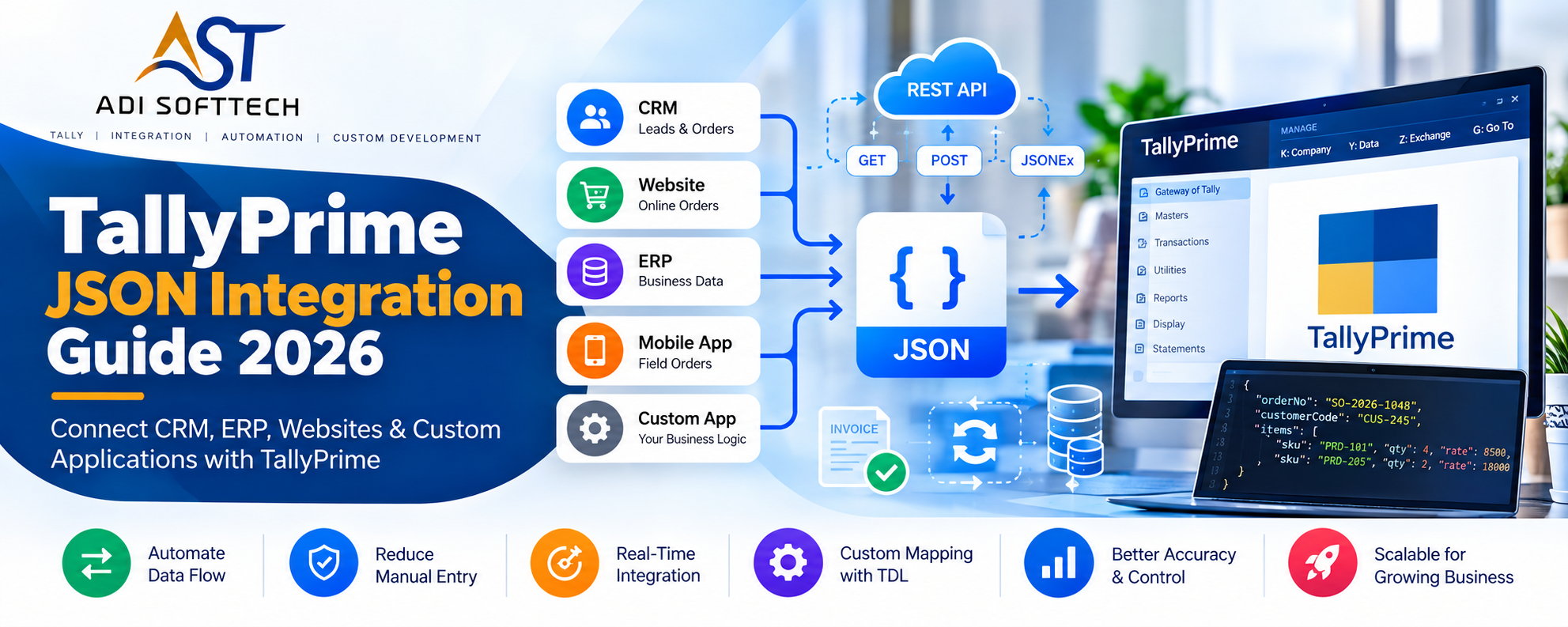
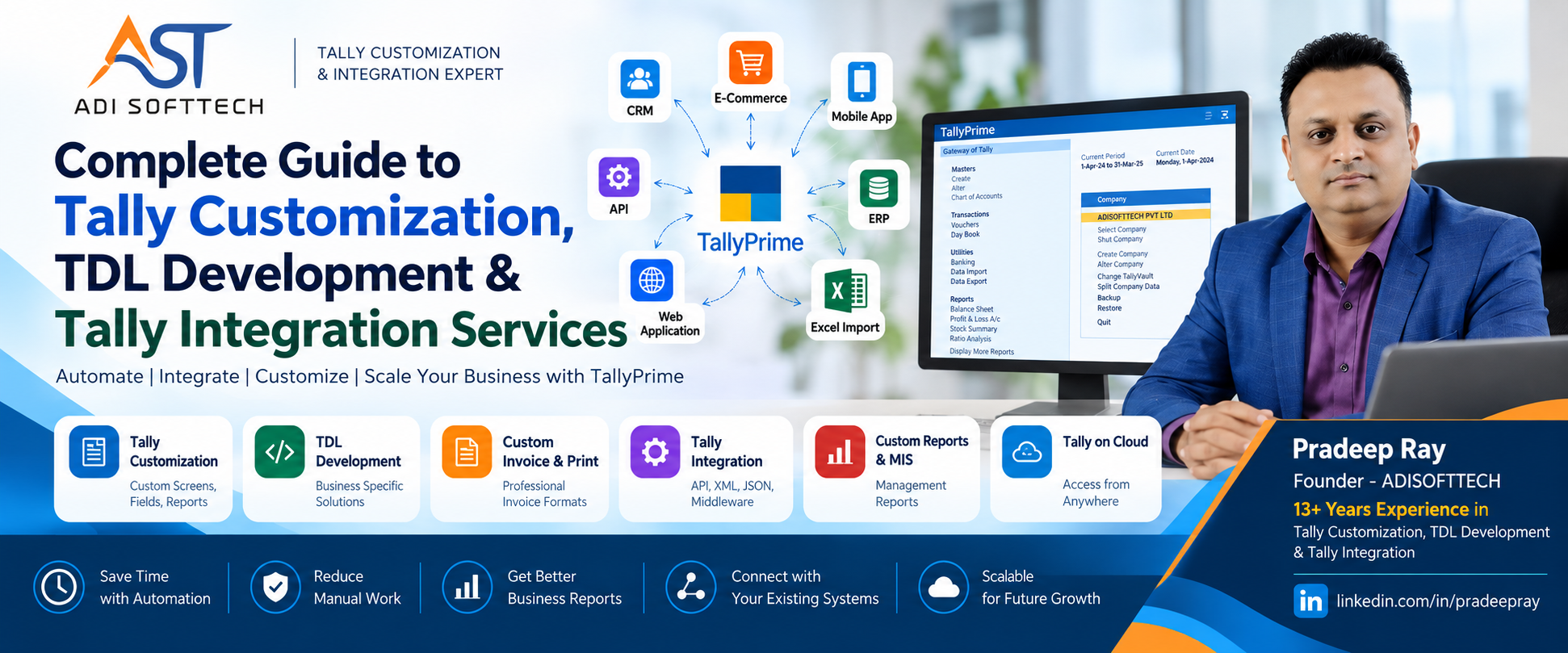
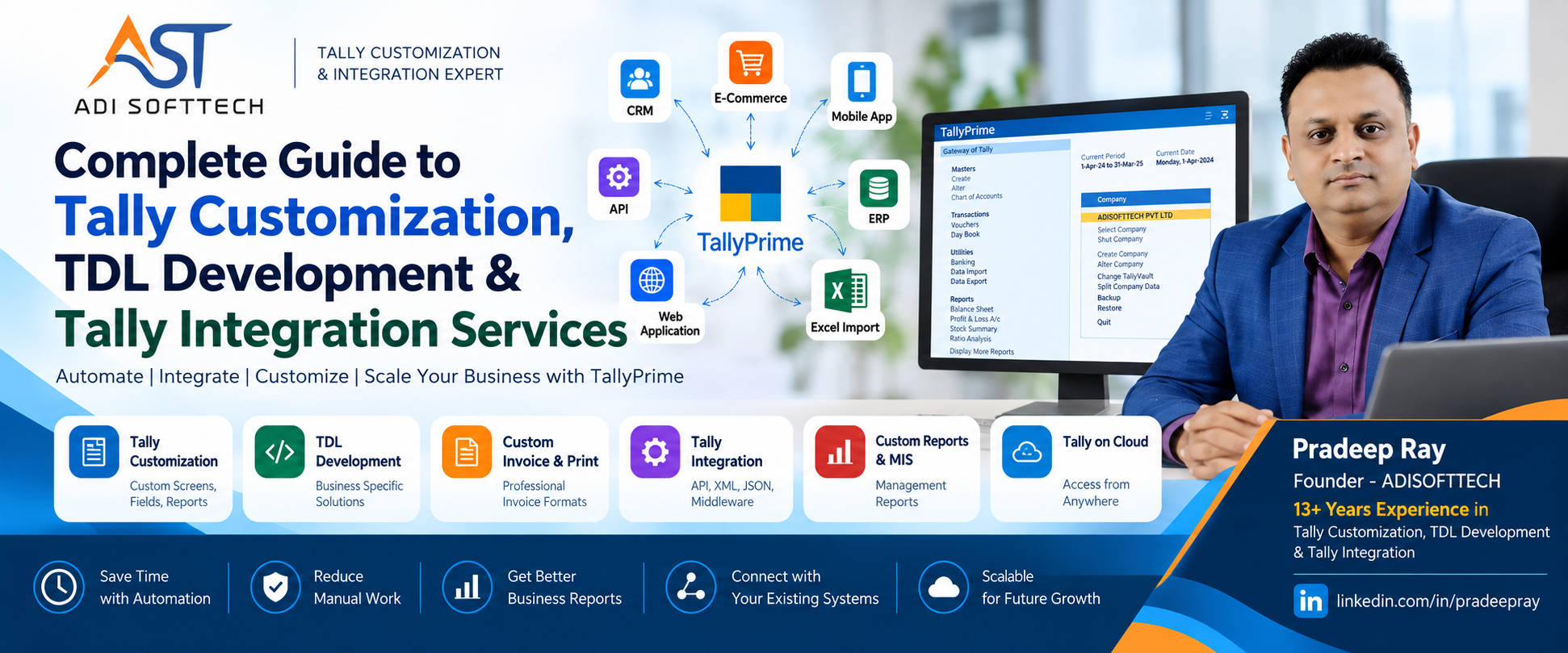
TallyPrime customization has evolved far beyond changing invoice formats or creating additional reports. Modern TDL development can help businesses connect TallyPrime with CRM platforms, ERP applications, websites, mobile apps, databases, external APIs and custom business software.
Technologies such as TDL, XML, JSON, HTTP APIs and middleware applications can now be combined to create connected business systems where information moves between TallyPrime and other applications with significantly less manual data entry.
In this detailed guide, ADISOFTTECH explains modern TDL development, TallyPrime customization, JSON and XML integration, API architecture, CRM and ERP connectivity, automation, security considerations and practical business use cases.
What is TDL in TallyPrime?
TDL stands for Tally Definition Language. It is the development language used to extend and customize the capabilities of TallyPrime.
Every business operates differently. Standard accounting software may satisfy common accounting requirements, but organizations frequently need additional controls, fields, reports, workflows, integrations and automation.
This is where professional TDL development becomes valuable.
What Can Be Developed Using TDL?
- Custom invoice formats
- Voucher customization
- Additional master and voucher fields
- Custom MIS reports
- Management dashboards
- User-level controls
- Approval workflows
- Business validations
- Barcode solutions
- QR code implementation
- Document attachment systems
- Agent and salesperson modules
- Production-related functionality
- Inventory controls
- Excel import/export
- XML and JSON data exchange
- API integrations
- CRM integrations
- ERP integrations
- Web application integrations
Learn more about TallyPrime customization and TDL development at ADISOFTTECH .
How TDL Development is Evolving
Traditionally, many organizations associated TDL mainly with invoice printing, voucher changes and customized reports.
Those remain important use cases, but modern businesses increasingly expect TallyPrime to operate as part of a larger software ecosystem.
For example:
- CRM → TallyPrime
- ERP → TallyPrime
- Website → TallyPrime
- Mobile App → TallyPrime
- E-Commerce Portal → TallyPrime
- Distributor Management System → TallyPrime
- Warehouse Software → TallyPrime
- Custom Application → TallyPrime
- TallyPrime → Management Dashboard
Consequently, modern Tally development often requires knowledge beyond TDL itself. Developers may also work with APIs, XML, JSON, databases and backend applications.
JSON Integration with TallyPrime
JSON (JavaScript Object Notation) is one of the most commonly used data formats in modern applications and APIs.
Web applications, SaaS platforms, mobile applications and cloud services commonly exchange information using JSON.
Newer TallyPrime developer capabilities provide additional opportunities for JSON-based integration, making it easier to include TallyPrime in modern software architectures.
What Information Can an Integration Exchange?
- Ledger masters
- Customer information
- Supplier information
- Stock items
- Sales orders
- Purchase orders
- Sales transactions
- Purchase transactions
- Receipts
- Payments
- Inventory information
- Outstanding information
- Business reports
Developers can review the official TallyPrime JSON integration documentation when designing a solution.
JSON vs XML for TallyPrime Integration
Both JSON and XML can be useful in integration projects. The appropriate format depends on the TallyPrime version, integration mechanism and external application.
| Area | JSON | XML |
|---|---|---|
| Modern REST APIs | Very common | Supported in many systems |
| Web Applications | Commonly preferred | Possible |
| Tally Integration | Available in supported scenarios | Established integration approach |
| Readability | Generally compact | More verbose |
| Existing Integrations | Growing usage | Widely used |
There is no reason to select a format simply because it is newer. A good integration architecture chooses the technology that best fits the actual system.
What is Tally API Integration?
Tally API integration broadly refers to connecting TallyPrime with another software application so that required information can move between the two systems.
A simplified architecture could look like this:
Web / CRM / ERP / Mobile Application
                ↓
              API
                ↓
        Integration Service
                ↓
          JSON / XML
                ↓
           TallyPrime
Depending on the requirement, the integration service may be developed using technologies such as Node.js, Python, FastAPI or another suitable backend platform.
The important objective is not the technology itself. It is creating a reliable flow of business information.
One-Way vs Two-Way TallyPrime Integration
One-Way Integration
In one-way integration, information primarily travels in one direction.
CRM → TallyPrime
For example, approved sales orders from a CRM could be transferred to TallyPrime.
Two-Way Integration
More advanced projects may require information to move in both directions.
CRM ↔ Integration Layer ↔ TallyPrime
For example:
- CRM sends customer information to TallyPrime.
- CRM sends approved orders to TallyPrime.
- TallyPrime returns invoice information.
- TallyPrime returns customer outstanding balances.
- TallyPrime returns inventory availability.
Two-way synchronization requires careful design to prevent duplicate transactions, conflicts and synchronization loops.
TallyPrime CRM Integration
Sales teams often work in CRM software while accounts teams work in TallyPrime. Without integration, the same customer or transaction may need to be entered twice.
A connected process could look like:
Lead
 ↓
Follow-Up
 ↓
Quotation
 ↓
Sales Order
 ↓
Approved Transaction
 ↓
TallyPrime
 ↓
Invoice / Accounting
 ↓
Status Returned to CRM
This can create a better connection between sales and accounting operations.
For a broader introduction, read our complete guide to Tally customization, TDL development and integration .
TallyPrime ERP Integration
Some organizations use an ERP or custom application for operations while continuing to use TallyPrime for accounting.
Instead of replacing either platform, integration can connect the systems.
Potential integration areas include:
- Customer masters
- Supplier masters
- Product masters
- Sales orders
- Purchase orders
- Invoices
- Payments
- Inventory
- Outstanding balances
The exact integration should be designed after understanding which system owns each type of master and transaction.
TallyPrime Integration with Web Applications
A web application can provide browser-based workflows while TallyPrime continues to manage accounting and related business information.
Examples include:
- Sales CRM
- Order management portal
- Distributor management system
- Customer portal
- Employee application
- Approval portal
- Management dashboard
- Inventory application
A modern architecture may look like:
Next.js / React
      ↓
Node.js / Python / FastAPI
      ↓
Application Database
      ↓
Integration Layer
      ↓
JSON / XML
      ↓
TallyPrime
TallyPrime E-Commerce Integration
E-commerce businesses frequently need information from their online store to reach their accounting system.
Potential requirements include:
- Order synchronization
- Customer creation
- Invoice creation
- Product synchronization
- Inventory updates
- Payment information
- Sales reporting
A well-designed integration should clearly define what happens when an order is cancelled, modified, refunded or duplicated.
Excel to Tally Import and Tally to Excel Export
Excel remains widely used in business operations. A customized TDL or integration utility can help organizations process structured Excel or CSV data.
Common Excel-to-Tally Requirements
- Ledger creation
- Stock item creation
- Sales voucher import
- Purchase voucher import
- Receipt import
- Payment import
- Journal import
- Opening balances
- Bulk transactions
Validation is critical. Importing incorrect accounting information faster does not make a process better. A good import utility should identify invalid records, duplicates and missing masters before creating transactions.
Professional TallyPrime Invoice Customization
Invoice customization is still one of the most common TDL requirements.
Customization may include:
- Company logo
- Custom branding
- Additional customer information
- Product descriptions
- QR codes
- Barcodes
- Bank information
- Dispatch information
- Salesperson information
- Agent information
- Terms and conditions
- Custom footer
- Multiple print formats
Invoice customization should improve both presentation and operational usefulness.
Custom TDL Reports and Management MIS
Standard reports are designed for general requirements. Management may need completely different views of the same business information.
Examples include:
- Customer-wise sales
- Product-wise sales
- Salesperson performance
- Agent commission
- Customer profitability
- Product profitability
- Outstanding analysis
- Stock ageing
- Inventory movement
- Purchase analysis
- Production reports
- Management dashboards
Effective TDL reporting starts with understanding what management needs to decide—not simply displaying more columns.
Business Process Automation with TDL
TDL customization can also help reduce repetitive operational work.
Possible automation scenarios include:
- Automatic calculations
- Voucher validations
- Approval controls
- User restrictions
- Automatic data import
- Automatic data export
- Email workflows
- Business notifications
- Report generation
- Data synchronization
The objective should always be to reduce unnecessary work without removing important accounting controls.
Security in Tally API Integration
Integration projects involve sensitive business and accounting information. Security therefore needs to be part of the design from the beginning.
Important considerations include:
- Authentication
- Authorization
- HTTPS for internet-facing communication
- API access restrictions
- Input validation
- Audit logs
- User permissions
- Secure credential management
- Network restrictions where appropriate
- Backup and recovery planning
TallyPrime should not be unnecessarily exposed directly to the public internet. The appropriate architecture depends on the deployment environment.
Error Handling, Duplicate Prevention and Integration Logs
A production integration must be designed for failure—not only for successful transactions.
For example, what happens when:
- TallyPrime is unavailable?
- The network connection fails?
- A customer master does not exist?
- An item name does not match?
- The same invoice is submitted twice?
- An API request times out?
- A voucher fails validation?
Reliable integrations should maintain logs and unique transaction references where appropriate so administrators can identify failed transactions and prevent accidental duplication.
Master Synchronization: An Important Integration Decision
Before integrating transactions, businesses should decide which application controls each master.
For example:
CRM is Master for Customers
           ↓
       TallyPrime

ERP is Master for Products
           ↓
       TallyPrime
Alternatively, TallyPrime may remain the master system for accounting-related information.
Defining the source of truth prevents different applications from creating conflicting versions of the same record.
Real-Time Integration vs Scheduled Synchronization
Not every integration needs to operate in real time.
Real-Time Integration
Information is transferred as soon as an event occurs. This may be useful when users need immediate information in another application.
Scheduled Synchronization
Information can instead be processed at scheduled intervals or in batches.
The appropriate approach depends on transaction volume, infrastructure, operational urgency and failure-handling requirements.
Real-World TDL and TallyPrime Integration Use Cases
Use Case 1: Sales CRM + TallyPrime
Sales employees manage leads and orders in CRM while accounting transactions are processed in TallyPrime.
Use Case 2: Distributor Management + TallyPrime
Distributor orders and customer information flow into the accounting workflow, while required inventory or accounting information is returned to the operational application.
Use Case 3: E-Commerce + TallyPrime
Approved online transactions can be prepared for accounting while stock and other required information can be synchronized according to business rules.
Use Case 4: Management Dashboard
Selected Tally information can be processed into a web-based management dashboard for authorized decision-makers.
Use Case 5: Excel Automation
Large volumes of properly structured spreadsheet transactions can be validated and processed without manually entering every voucher.
When Should You Use TDL and When Do You Need a Middleware Application?
Not every requirement should be implemented entirely inside TDL.
Pure TDL may be appropriate for many Tally-specific reports, print formats, controls, validations and interface customizations.
A middleware or external application may be more appropriate when the requirement involves:
- Complex REST APIs
- Cloud databases
- Large-scale synchronization
- Advanced authentication
- Multiple external applications
- Background processing
- Complex retry mechanisms
- Centralized integration logs
In many projects, the strongest architecture uses TDL + middleware rather than trying to force every responsibility into one technology.
How to Choose a TDL Developer
A good TDL developer should understand more than TDL syntax.
Before selecting a developer, consider experience with:
- TallyPrime customization
- Accounting workflows
- Inventory workflows
- TDL reports
- Invoice customization
- XML and JSON
- API integration
- External applications
- Error handling
- Real business processes
Most importantly, the developer should first understand the requirement before recommending a technical solution.
TDL Development and TallyPrime Integration at ADISOFTTECH
ADISOFTTECH provides TallyPrime customization, TDL development, API integration and custom application development for businesses with specialized operational requirements.
Our Tally-related areas of work include:
- TallyPrime customization
- TDL development
- Invoice and voucher customization
- Custom MIS reports
- QR code and barcode implementation
- Excel / CSV / XML / JSON integration
- Tally API integration
- CRM integration
- ERP integration
- Web application integration
- Business process automation
- Approval and control systems
- Production-related customization
- Inventory-related customization
Visit ADISOFTTECH to learn more about our software and TallyPrime development services.
13+ Years of Tally Customization and TDL Development Experience
ADISOFTTECH is led by Pradeep Ray, with more than 13 years of experience working with Tally customization, TDL development, integration and business automation requirements.
During this period, Tally customization requirements have evolved from traditional print formats and reports to integrations involving APIs, web applications, structured data exchange and custom software.
This combination of long-term Tally/TDL experience and modern application development helps ADISOFTTECH approach projects from both the Tally and external software perspectives.
Connect with Pradeep Ray on LinkedIn .
Related Tally & TDL Resources
Continue reading our detailed Tally Customization, TDL Development and Tally Integration Guide .
For official technical information, developers should also refer to:
Frequently Asked Questions About TDL Development
What is TDL?
TDL stands for Tally Definition Language and is used to customize and extend TallyPrime functionality.
Can TallyPrime be customized?
Yes. TallyPrime can be customized for many business-specific requirements using supported development capabilities and TDL.
Can TallyPrime integrate with APIs?
TallyPrime can participate in API-based integration architectures using supported integration mechanisms, XML, JSON and external middleware where appropriate.
Can TallyPrime integrate with CRM software?
Yes. CRM and TallyPrime can be connected to exchange required customer, transaction, inventory or accounting information according to the business process.
Can TallyPrime integrate with a website?
Yes. A web application can communicate with TallyPrime through an appropriately designed integration layer.
Can TallyPrime integrate with an ERP?
Yes. Many businesses use operational ERP software while using TallyPrime for accounting. Integration can connect selected workflows between the systems.
Can TallyPrime work with JSON?
Newer TallyPrime developer capabilities include JSON-related integration features. The implementation depends on the relevant TallyPrime release and use case.
Can TDL import data from Excel?
Custom solutions can be developed to process structured Excel or CSV information according to the required Tally masters, vouchers and validation rules.
Can TDL create custom invoices?
Yes. Invoice and print customization are common TDL development requirements.
Can TDL create custom reports?
Yes. TDL can be used to develop business-specific reports and MIS views based on information available within the relevant Tally environment.
Can TallyPrime integrate with Node.js?
A Node.js application can form part of an integration architecture and communicate with TallyPrime using supported data exchange mechanisms.
Can TallyPrime integrate with Python or FastAPI?
Yes. Python or FastAPI can be used to develop middleware or business APIs that participate in a TallyPrime integration architecture.
Can Tally integration work in both directions?
Depending on the requirement and supported interfaces, integrations can be designed for one-way or two-way information exchange.
How do you prevent duplicate vouchers during integration?
Integration design should use suitable unique references, transaction mapping, validation and processing logs so that repeated requests can be identified before accidentally creating duplicate transactions.
Do all Tally integrations need real-time synchronization?
No. Some requirements are better suited to scheduled or batch synchronization. The correct approach depends on business urgency, transaction volume and infrastructure.
Who provides professional TDL development services?
ADISOFTTECH provides TallyPrime customization, TDL development, API integration and custom software integration for businesses with specialized requirements.
The Future of TDL and TallyPrime Integration
The future of TDL development is not limited to changing screens and print formats.
Businesses increasingly need accounting systems that can communicate with sales, operations, e-commerce, inventory, CRM, ERP and management applications.
TDL will continue to be valuable for Tally-specific customization, while APIs, JSON, XML and middleware applications can extend integration beyond TallyPrime.
The most effective solutions will combine these technologies according to the actual business requirement rather than trying to solve every problem with a single technology.
Looking for a TDL Developer or TallyPrime Integration Expert?
If your organization needs TallyPrime customization, TDL development, custom reports, invoice customization, Excel automation, API integration, CRM integration, ERP integration or web application integration, contact ADISOFTTECH to discuss your requirement.
ADISOFTTECH – Tally Customization, TDL Development & Software Integration
Website: ADISOFTTECH
LinkedIn: Pradeep Ray
Contact ADISOFTTECH for TallyPrime Customization & TDL Development