Quick Summary
Learn TDL development with practical examples of Collections, Functions, XML, JSON, Excel and CSV reading, TallyPrime customization, APIs, reports, automation and modern software integration.
TDL Developer Guide 2026: TallyPrime Customization, XML, JSON, Excel, CSV, Collections, Functions & API Integration
Tally Definition Language (TDL) is the development language used to extend and customize TallyPrime for business-specific requirements. Modern TDL development goes far beyond invoice formatting. A professional TDL developer may work with custom reports, vouchers, objects, collections, functions, UDFs, validations, XML, JSON, Excel, CSV, APIs, external applications and business automation.
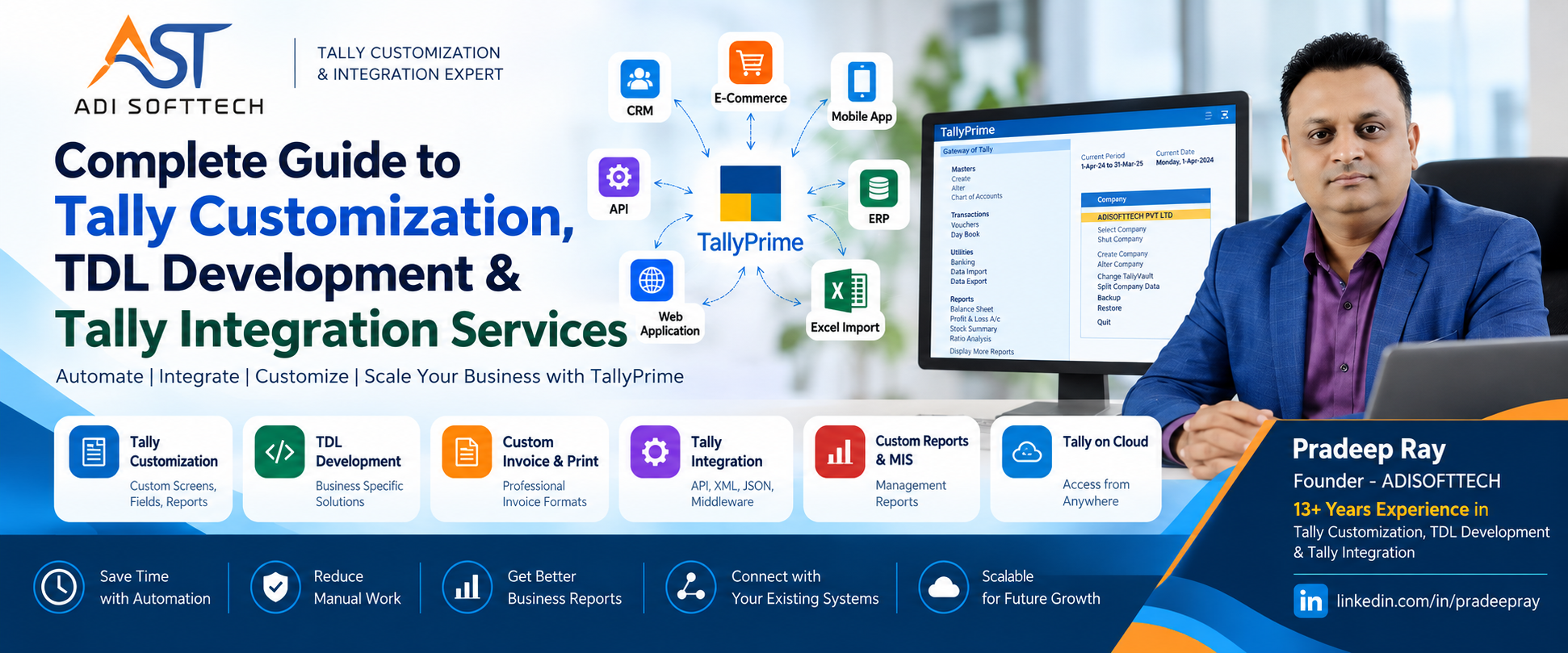
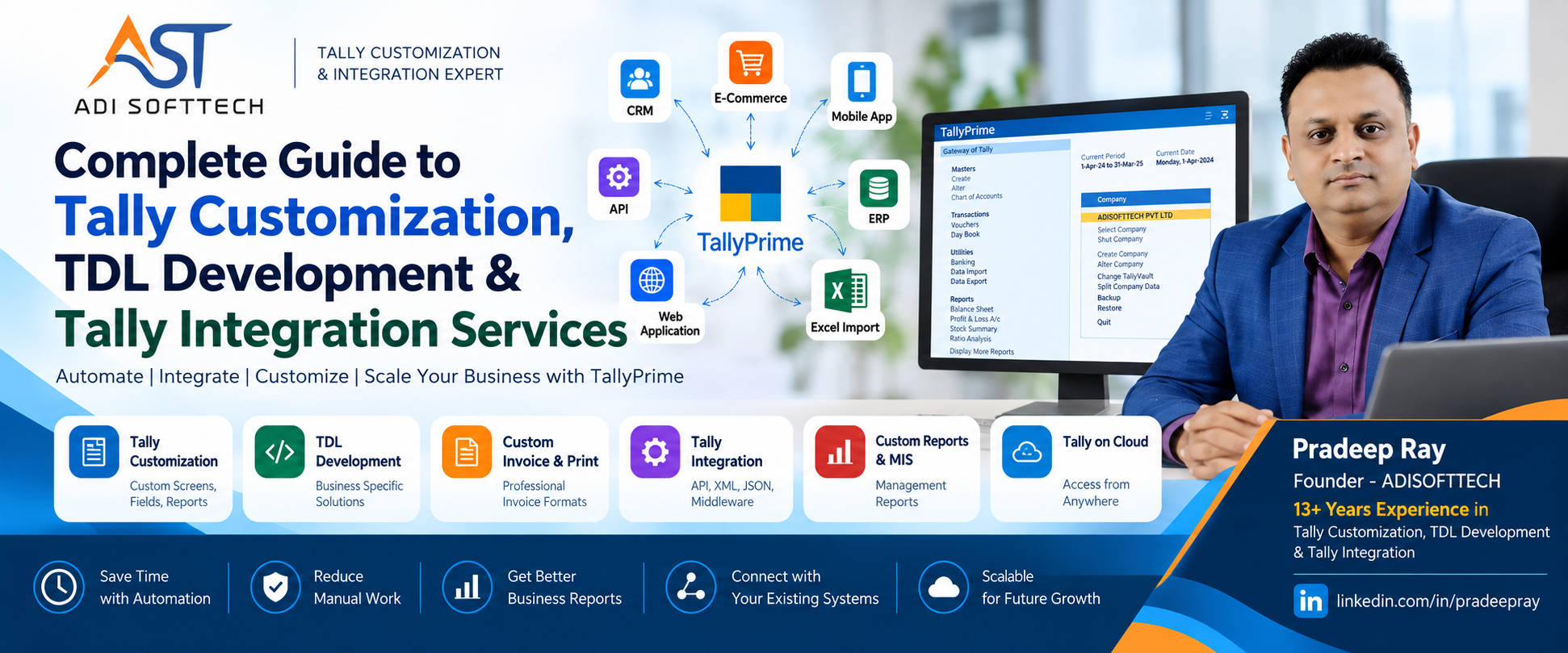
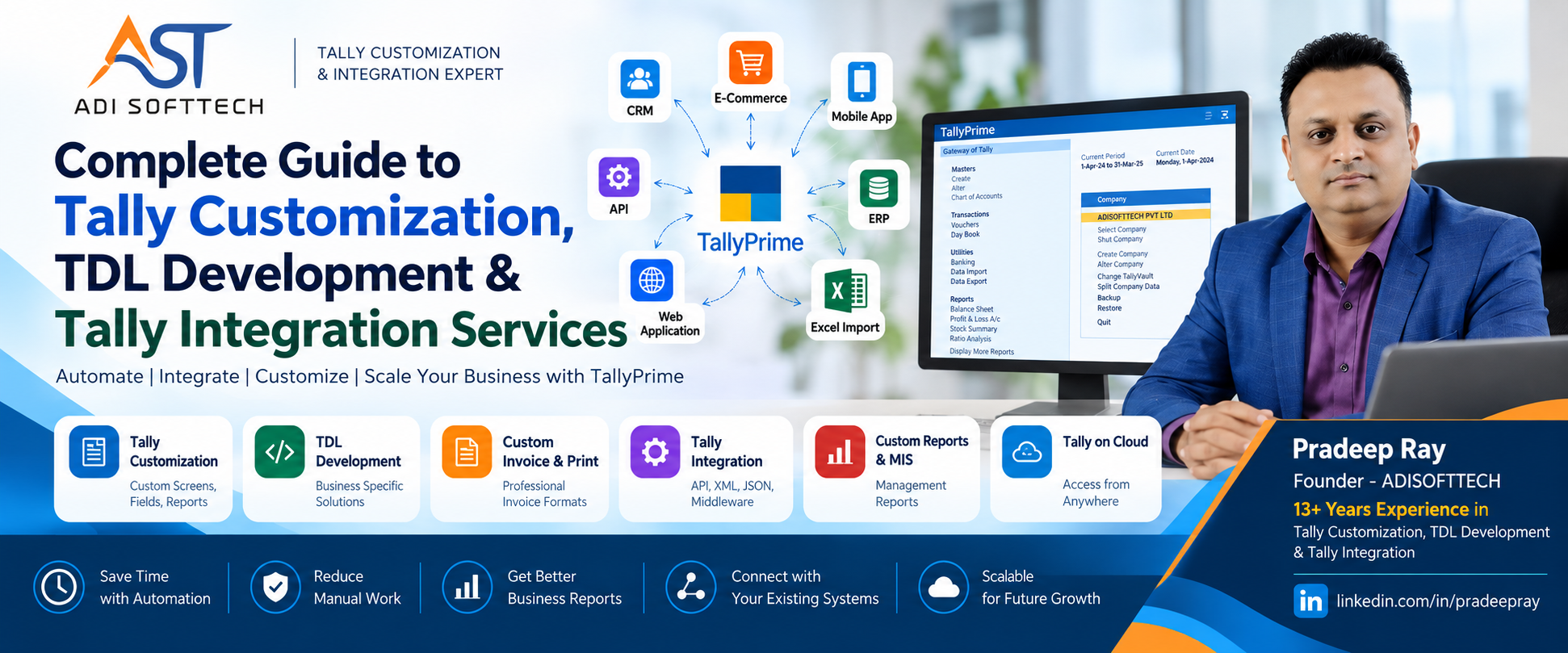
As businesses increasingly connect accounting with CRM, ERP, websites, mobile applications and cloud software, TDL developers also need to understand integration architecture, data mapping, error handling, duplicate prevention, security and modern backend technologies.
This detailed guide from ADISOFTTECH explains TDL from a practical development perspective, including examples and modern integration concepts useful to businesses and developers.
What is TDL?
TDL stands for Tally Definition Language. It is used to extend and customize TallyPrime according to business requirements.
Two companies using the same accounting software can have very different operational needs. One may need a specialized invoice, another an agent commission system, another a production report, while another may want TallyPrime connected with its CRM or web application.
TDL helps bridge the gap between standard functionality and business-specific requirements.
What Can Be Developed Using TDL?
- Custom invoices and print formats
- Voucher customization
- Custom fields and UDFs
- Management and MIS reports
- Business validations
- User-level controls
- Approval workflows
- QR code and barcode solutions
- Agent commission modules
- Salesperson tracking
- Inventory and production-related customization
- Excel/CSV import and export workflows
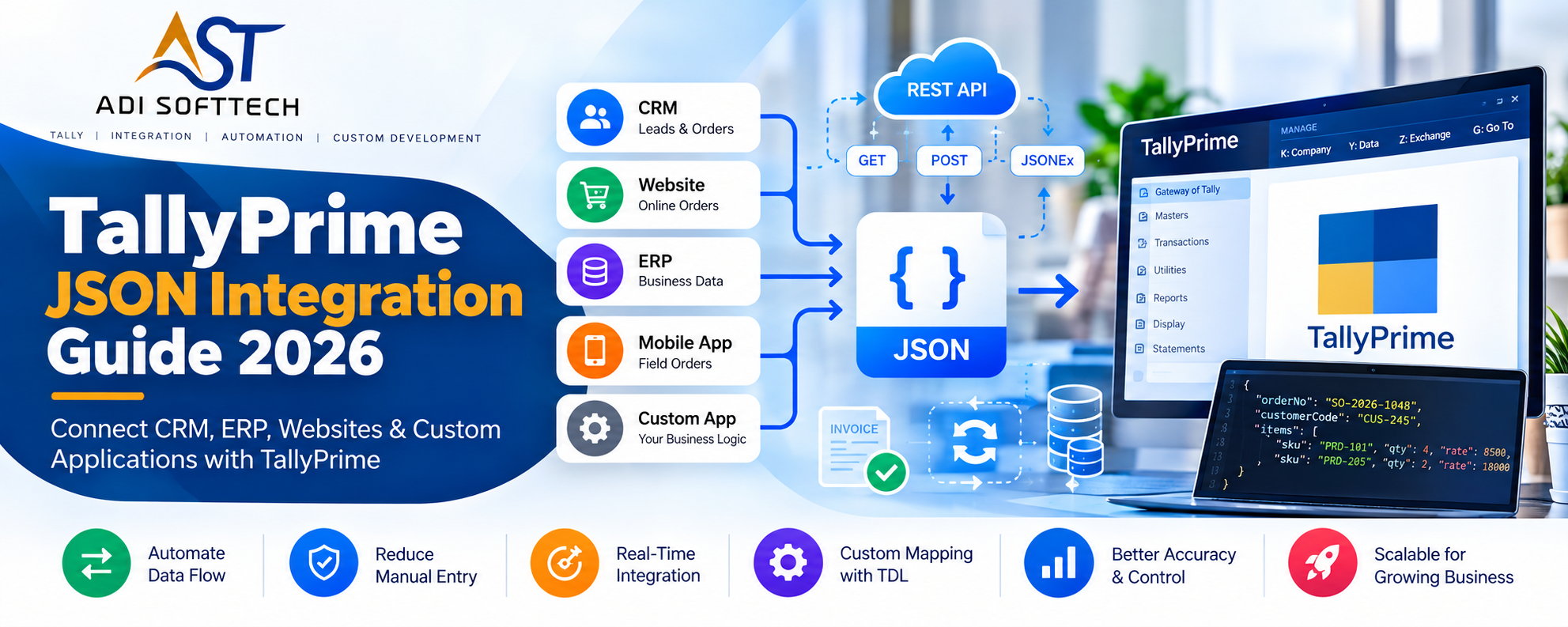
- XML and JSON integration
- External application and API integration
What Does a Professional TDL Developer Actually Do?
A professional TDL developer does more than write syntax. The first responsibility is to understand the business process.
For example, a client may say: “We need an agent commission report.” Before development begins, the developer should understand:
- How is the agent identified?
- Is commission customer-wise or product-wise?
- Is it per piece, quantity, square feet, box or sales value?
- Can commission vary by product?
- What happens on cancellation or sales return?
- Can users change calculated commission?
- Who can change it?
- Which management reports are required?
This requirement analysis separates simple code writing from reliable business-solution development.
When Does a Business Need TDL Customization?
TDL becomes useful when a business requirement cannot be efficiently handled through standard TallyPrime configuration alone.
- Employees repeatedly enter the same data manually.
- Management repeatedly creates reports in Excel.
- Invoices need additional fields or layouts.
- Voucher entry requires business-specific validations.
- The company needs approval controls.
- The same data is entered in TallyPrime and another system.
- Business-specific calculations are performed manually.
- TallyPrime needs to communicate with external software.
Customization should solve a measurable problem. If standard functionality already solves the requirement reliably, unnecessary customization should be avoided.
Understanding TDL Development Architecture
Business Requirement
        ↓
Requirement Analysis
        ↓
TDL Definitions
        ↓
Report / Form / Part / Line / Field
        ↓
Objects & Collections
        ↓
Methods / Variables / Formulae
        ↓
Functions
        ↓
Actions & Events
        ↓
Validation / Processing
        ↓
TallyPrime Data
Modern Integration Architecture
CRM / ERP / Website / Mobile App
              ↕
             API
              ↕
       Middleware Layer
              ↕
        JSON / XML / HTTP
              ↕
             TDL
              ↕
          TallyPrime
The best architecture uses each technology for the responsibility it handles well rather than trying to place every responsibility inside TDL.
Definitions, Attributes and Modifiers in TDL
Definitions are fundamental building blocks of TDL. Interface development can involve definitions such as Report, Form, Part, Line, Field, Button and Menu.
Attributes describe properties and behavior. Modifiers allow a developer to alter or extend existing definitions where appropriate.
An experienced developer evaluates whether to create a new definition or extend an existing one, because this decision can affect maintainability and compatibility.
Objects and Object Context in TDL
Business information in TallyPrime is represented through objects. Examples can include Company, Group, Ledger, Stock Item, Voucher, Voucher Type, Cost Centre and Unit of Measure.
Object context is critical. A formula or method can produce an unexpected result when evaluated in the wrong context. Many difficult TDL issues are context problems rather than syntax problems.
This becomes especially important when working with nested collections, voucher information, inventory allocations and complex reports.
TDL Collection Explained with Practical Examples
Collection is one of the most important concepts in TDL development. Collections allow developers to gather and process groups of objects for reports, calculations and integrations.
Simple Collection Concept
TallyPrime Data
      ↓
Collection
      ↓
Filter Required Objects
      ↓
Fetch Required Information
      ↓
Compute / Aggregate
      ↓
Display / Process
Conceptual Ledger Collection
[Collection : My Ledger Collection]

    Type : Ledger
The exact definition depends on the requirement, but the idea is to work with a set of relevant objects instead of processing unrelated data.
What Can Collections Be Used For?
- Filtering
- Sorting
- Searching
- Walking objects
- Fetching methods
- Grouping
- Aggregation
- Computed values
- External data processing
- XML/JSON data-source workflows in supported scenarios
- ODBC-based external data
Example: Customer-Wise Sales Report
Sales Voucher Collection
          ↓
Filter Selected Period
          ↓
Identify Customer
          ↓
Fetch Required Amount
          ↓
Group Customer-Wise
          ↓
Aggregate Sales
          ↓
Sort / Display
Efficient collection design becomes particularly important when the company contains a large number of vouchers.
TDL Functions Explained with Practical Examples
Functions help organize reusable processing and business logic.
Suppose the same commission calculation is needed during sales entry, invoice printing and reporting. Repeating the calculation independently makes maintenance harder.
Simplified Educational Function Example
[Function : Calculate Agent Commission]

    Parameter : SalesAmount : Amount
    Parameter : Rate        : Number

    Variable  : CommissionAmount : Amount

    10 : Set    : CommissionAmount : ##SalesAmount * ##Rate / 100
    20 : Return : ##CommissionAmount
This is a simplified educational pattern; the exact implementation depends on the TDL environment and requirement.
Functions Can Be Useful For
- Commission calculations
- Discount calculations
- Validations
- Conditional processing
- Reusable business rules
- Import processing
- Integration processing
- Data transformations
Input Parameters
      ↓
Business Logic
      ↓
Calculation / Validation
      ↓
Return / Further Processing
Variables in TDL
Variables can store values needed during processing, including dates, report selections, user choices, configuration settings, intermediate calculations and function parameters.
Variable scope matters. The developer must understand where the value is available and when it changes.
Actions, Events and Buttons
Interactive solutions often need processing when a user presses a button, opens a report, changes a field, accepts a voucher or triggers another operation. Actions and events connect user activity with TDL processing.
User Defined Fields (UDF) in TDL
UDFs can store additional business-specific information when standard data does not contain the required field.
- Agent reference
- Salesperson information
- Approval status
- Internal reference number
- Additional product information
- Business-specific classifications
UDFs should be planned carefully. Not every calculated value needs permanent storage.
Business Validation and Controls Using TDL
- Mandatory customer reference
- Mandatory salesperson
- Required custom fields
- User restrictions
- Approval conditions
- Transaction-level business rules
- Prevention of incorrect entry
Good validation improves data quality without making normal data entry unnecessarily difficult.
Custom TDL Reports and Management MIS
Reporting is one of the strongest use cases for professional TDL development. Management often needs information organized differently from standard accounting reports.
- Customer-wise sales
- Product-wise sales
- Salesperson performance
- Agent commission
- Outstanding analysis
- Product/customer profitability
- Stock ageing
- Godown-wise inventory
- Purchase analysis
- Production reports
- Management MIS
A good report should answer a business question, not simply display more columns.
TallyPrime Invoice and Voucher Customization
- Company branding
- Custom invoice layouts
- Additional customer/product details
- QR codes and barcodes
- Bank and dispatch details
- Salesperson/agent details
- Terms and conditions
- Multiple print formats
Voucher customization can also change how information is captured, validated and processed during entry.
How to Read XML Data in TDL
XML has long been important in Tally integration. Supported TDL collection data sources can be used for XML-oriented workflows.
Example XML
<CUSTOMERS>
    <CUSTOMER>
        <NAME>ABC Enterprises</NAME>
        <CODE>C001</CODE>
        <CITY>Kolkata</CITY>
    </CUSTOMER>
    <CUSTOMER>
        <NAME>XYZ Traders</NAME>
        <CODE>C002</CODE>
        <CITY>Delhi</CITY>
    </CUSTOMER>
</CUSTOMERS>
Conceptual Local XML Data Source
[Collection : My XML Collection]

    Data Source : File XML : "C:\MyFile.xml"
Depending on the supported mechanism and requirement, XML can also be obtained from HTTP/HTTPS sources and processed through collections.
Typical XML Processing
XML Source
    ↓
Collection
    ↓
Read Required Nodes
    ↓
Map Values
    ↓
Validate Masters / Transactions
    ↓
Process Required Business Logic
Common XML Use Cases
- Master exchange
- Voucher exchange
- Reading external system data
- HTTP-based integration
- Legacy ERP integration
- Custom application integration
Technically valid XML should not automatically become accounting data. Business validation must happen before processing.
How to Read and Process JSON in Modern TDL Development
JSON is widely used by REST APIs, web applications, CRM platforms, ERP systems and cloud software. Modern TallyPrime developer capabilities have expanded JSON-oriented integration possibilities.
Example JSON
{
  "customer": "ABC Enterprises",
  "customerCode": "C001",
  "invoiceNo": "INV-1001",
  "invoiceDate": "2026-10-06",
  "amount": 25000,
  "status": "Approved"
}
Recommended Processing Flow
Receive JSON
     ↓
Validate Structure
     ↓
Read Required Values
     ↓
Map External Fields
     ↓
Validate Masters
     ↓
Check Duplicate Reference
     ↓
Process Transaction
     ↓
Return Result
     ↓
Write Integration Log
Native JSON and JSONEx
Newer TallyPrime developer releases include native JSON capabilities and JSONEx-related functionality in supported environments. This is particularly relevant for modern API and web-application integrations.
Possible JSON Integration Use Cases
- CRM ↔ TallyPrime
- ERP ↔ TallyPrime
- Website ↔ TallyPrime
- Mobile application ↔ backend ↔ TallyPrime
- E-commerce ↔ TallyPrime
- Custom SaaS ↔ TallyPrime
Excel Reading and Excel-to-Tally Automation
Excel remains one of the most common sources of business data. Businesses use it for customer lists, product masters, opening balances, sales, purchases, payments and inventory.
Conceptual ODBC-Based Excel Collection
[Collection : ODBC Excel Collection]

    ODBC : "Driver={Microsoft Excel Driver (*.xls)};DBQ=C:\Sample Data.xls"
    SQL  : "Select * From [Ledgers$]"
The exact driver, environment and implementation need to match the system being used.
Excel Import Workflow
Excel File
    ↓
Read Worksheet / Import Data
    ↓
Map Columns
    ↓
Validate Values
    ↓
Check Masters
    ↓
Check Duplicates
    ↓
Process Valid Records
    ↓
Success + Error Report
Example Source Structure
| Invoice No | Date | Customer | Product | Qty | Rate |
|---|---|---|---|---|---|
| INV-001 | 01-10-2026 | ABC Enterprises | Product A | 10 | 500 |
| INV-002 | 02-10-2026 | XYZ Traders | Product B | 5 | 800 |
Important Validations
- Invoice/reference number
- Date
- Customer/ledger
- Stock item
- Unit
- Quantity and rate
- Tax-related mapping
- Duplicate transaction
A good import solution reports invalid rows instead of silently ignoring them.
CSV Reading and CSV-to-Tally Automation
CSV is a simple structured data-exchange format and is useful when external systems can export data but do not provide direct APIs.
Example CSV
InvoiceNo,Date,Customer,Product,Qty,Rate
INV001,01-10-2026,ABC Enterprises,Product A,10,500
INV002,02-10-2026,XYZ Traders,Product B,5,800
Typical CSV Processing
CSV File
   ↓
Read Rows
   ↓
Identify Columns
   ↓
Convert / Validate Values
   ↓
Map Masters
   ↓
Check Duplicates
   ↓
Process Valid Records
   ↓
Generate Error Report
Common Uses
- Legacy applications
- POS exports
- Warehouse applications
- E-commerce exports
- Bulk master migration
- Bulk transaction processing
XML vs JSON vs Excel vs CSV for Tally Integration
| Format | Best Suited For | Typical Use |
|---|---|---|
| XML | Structured and established integration workflows | Masters, vouchers, reports, HTTP integration |
| JSON | Modern APIs and web/cloud applications | CRM, ERP, SaaS and custom APIs |
| Excel | Business-user-managed data | Bulk masters and transaction import |
| CSV | Simple structured exchange | Bulk processing and application exports |
The right format depends on the source system, volume, real-time/batch requirement, validation needs and supported TallyPrime environment.
TDL Developer and Tally API Integration
Web / CRM / ERP Application
           ↓
        REST API
           ↓
      Middleware
           ↓
     JSON / XML
           ↓
       TallyPrime
Possible data exchange can include customers, suppliers, products, sales orders, purchase orders, invoices, receipts, payments, stock and outstanding information.
When TDL Should Work with Middleware
Not every responsibility belongs inside TDL. Middleware can be useful for complex REST APIs, OAuth, cloud databases, background jobs, retry queues, webhooks, centralized logging and multiple external systems.
TallyPrime
    ↕
   TDL
    ↕
JSON / XML
    ↕
Middleware
(Node.js / Python / FastAPI)
    ↕
Database / API / CRM / ERP
One-Way vs Two-Way TallyPrime Synchronization
One-Way
CRM → TallyPrime
Example: approved orders move from CRM into the accounting workflow.
Two-Way
CRM ↔ Middleware ↔ TallyPrime
CRM may send customer/order data while TallyPrime returns invoice, stock or outstanding information. Two-way sync requires careful conflict and ownership rules.
Master Mapping and Source-of-Truth Design
A critical integration question is: Which system owns each type of information?
CRM = Customer Master
       ↓
   TallyPrime

ERP = Product Master
       ↓
   TallyPrime

TallyPrime = Accounting Balance
       ↓
      CRM
Mapping must handle differences in customer names, product codes, units, tax classifications and missing/duplicate masters.
Preventing Duplicate Transactions
If a request succeeds but its response is lost, the external application may retry it. Without duplicate protection, a second voucher could be created.
- External transaction ID
- Unique reference
- Mapping table
- Pre-processing validation
- Processing status
- Integration logs
- Idempotent middleware design where appropriate
Error Handling and Integration Logging
A professional integration must be designed for failure as well as success.
- What if TallyPrime is unavailable?
- What if the network fails?
- What if a customer or item is missing?
- What if validation fails?
- What if an API times out?
- What if part of a batch succeeds?
Useful Log Information
- Request ID
- Transaction reference
- Timestamp
- Status
- Error message
- Retry count
- Response details
Security in TallyPrime Integration
- Authentication and authorization
- HTTPS for internet-facing communication
- API access restrictions
- Input validation
- Secure credential management
- Audit logging
- User permissions
- Network restrictions
- Backup and recovery
TallyPrime should not be unnecessarily exposed directly to the public internet. Architecture should match the actual security environment.
TallyPrime CRM Integration
Lead
 ↓
Follow-Up
 ↓
Quotation
 ↓
Sales Order
 ↓
Approval
 ↓
TallyPrime
 ↓
Invoice
 ↓
CRM Status Update
Depending on requirements, invoice status, outstanding balances or stock information can also flow back to the CRM.
TallyPrime ERP Integration
Organizations may use another ERP for operations and TallyPrime for accounting. Integration can exchange customers, suppliers, products, orders, invoices, payments and required inventory information.
TallyPrime Integration with Web Applications
Next.js / React
      ↓
Backend API
(Node.js / FastAPI)
      ↓
Application Database
      ↓
Integration Service
      ↓
JSON / XML
      ↓
TallyPrime
This architecture allows users to work in purpose-built web applications while accounting remains connected to TallyPrime.
TallyPrime E-Commerce Integration
- Order synchronization
- Customer synchronization
- Invoice processing
- Product mapping
- Inventory updates
- Payment information
- Cancellations, returns and refunds
TallyPrime Data for Analytics and Power BI
Selected TallyPrime information can be extracted and transformed for external analytics architectures. Possible dashboards include sales, receivables, inventory, product performance, customer performance and management KPIs.
Custom Notifications in Modern TDL Development
Newer developer capabilities create additional possibilities for contextual notifications in supported environments.
- Pending invoice alerts
- Stock shortage reminders
- Overdue payment reminders
- Integration failure alerts
- Synchronization notifications
What's New in TDL and Modern TallyPrime Developer?
TDL continues to evolve. Developers should review the official release notes for the exact version deployed at a client before using newer capabilities.
TallyPrime Developer 7.x Era
Important newer areas include:
- Native JSON-oriented data exchange capabilities
- JSONEx-related functionality
- JSON support in modern connector/integration workflows
- Custom notification capabilities
- Base64-related utility functions
- Template-oriented invoice customization enhancements
- Text-wrapping improvements
- Modern OAuth-based email authentication capabilities
Other Recent Developer Enhancements
Recent releases have also expanded areas such as collection/data-source processing, Excel import workflows, progress indication, report presentation and other developer features.
Why This Matters
Traditional TDL
Invoice + Report + Voucher
          ↓
Advanced TDL
Objects + Collections + Functions + XML
          ↓
Modern Tally Integration
JSON + APIs + Middleware + Databases
          ↓
Connected Business Solutions
Because features vary by release, always verify compatibility with the official Tally Developer documentation before deploying a solution.
TDL Debugging: A Structured Approach
- Reproduce the issue consistently.
- Identify where the result first becomes incorrect.
- Verify current object context.
- Verify variables and parameters.
- Inspect collection contents.
- Log intermediate values where appropriate.
- Test with a smaller dataset.
- Test edge cases.
- Remove temporary debug code after resolution.
Randomly changing code until output looks correct is not a reliable debugging strategy.
TDL Performance Optimization
A report that performs well with 100 vouchers may behave differently with a large production company.
- Avoid unnecessary repeated calculations.
- Avoid repeatedly walking large collections without need.
- Fetch only required information.
- Review complex nested processing.
- Test using realistic data volumes.
Optimize based on measured bottlenecks rather than assumptions.
TDL Development Best Practices
- Understand the business process before coding.
- Use meaningful names.
- Avoid unnecessary duplication.
- Centralize reusable logic where appropriate.
- Understand object context.
- Design collections carefully.
- Validate user and external input.
- Handle errors explicitly.
- Test realistic data volumes.
- Document important business logic.
- Maintain backups and source version history.
Common TDL Development Mistakes
- Coding before understanding the requirement.
- Ignoring object context.
- Creating unnecessary UDFs.
- Testing only with small datasets.
- No error handling in integration.
- No duplicate protection.
- Hardcoding values that should be configurable.
- Changing standard behavior unnecessarily.
How Professional TDL Customization Should Be Tested
Functional Testing
Does the feature produce the required result?
Validation Testing
What happens with incomplete or incorrect input?
Permission Testing
Can unauthorized users access restricted functionality?
Data-Volume Testing
Does it perform with realistic production data?
Edge-Case Testing
Test cancellations, returns, zero values, missing masters and unusual cases.
Integration Testing
Test timeouts, invalid responses, duplicates and temporary unavailability.
Deployment, Backup and Rollback
Development
    ↓
Internal Testing
    ↓
Client Testing / UAT
    ↓
Data Backup
    ↓
Production Deployment
    ↓
Verification
    ↓
Monitoring
Business-critical customization should have a rollback plan and version-controlled source code.
Professional TDL Development Project Lifecycle
- Requirement Discovery: understand the current process and desired result.
- Documentation: document fields, calculations, reports, workflows and exceptions.
- Technical Design: decide TDL-only versus TDL plus middleware/application.
- Development: build maintainable logic.
- Developer Testing: verify functions and edge cases.
- User Acceptance Testing: actual users validate real workflows.
- Deployment: deploy with backup and approval.
- Support: monitor production and maintain compatibility.
Real-World TDL Development Use Cases
1. Agent Commission Module
Requirement: Calculate agent commission by product, quantity, box, area or sales value.
Possible design: agent configuration, product rules, transaction selection, automatic calculation and invoice/product-wise reports.
2. Excel-to-Tally Automation
Excel / CSV
    ↓
Read Data
    ↓
Validate
    ↓
Check Masters
    ↓
Check Duplicates
    ↓
Process
    ↓
Error / Success Report
3. CRM-to-TallyPrime Integration
CRM Sales Order
      ↓
Approval
      ↓
Integration API
      ↓
TallyPrime
      ↓
Invoice
      ↓
Reference / Status
      ↓
CRM
4. Management MIS
Custom collections and dynamic date processing can create weekly/monthly customer, product or salesperson analysis without repeatedly rebuilding spreadsheets.
5. Invoice Customization
Custom branding, QR/barcode, bank details, dispatch information, product descriptions and business-specific terms can be included according to the requirement.
6. Production and Inventory Workflow
Manufacturing businesses may require batch, material, godown/location, quality-control and production-related information beyond standard workflows.
TDL Developer Learning Roadmap for 2026
Level 1 – Fundamentals
- Definitions
- Attributes
- Modifiers
- Report
- Form
- Part
- Line
- Field
Level 2 – Data and Logic
- Objects
- Methods
- Collections
- Filters
- Variables
- Formulae
- Functions
- UDFs
Level 3 – Advanced TDL
- Complex collections
- Aggregation
- Custom reports
- Invoice customization
- Validation
- Events
- Performance optimization
Level 4 – Integration
- XML
- JSON
- JSONEx
- HTTP/HTTPS concepts
- Excel
- CSV
- ODBC
- API concepts
Level 5 – Modern Software Integration
- REST APIs
- Node.js
- Python/FastAPI
- Databases
- Authentication
- Webhooks
- Logging
- Retry processing
- Duplicate prevention
How to Choose the Right TDL Developer
- Practical TallyPrime and TDL experience
- Accounting and business-process understanding
- Experience with similar requirements
- Reporting and integration knowledge
- Testing methodology
- Code maintainability
- Post-implementation support
- Ability to handle version compatibility
What Determines TDL Development Cost?
- Requirement complexity
- Number of screens and reports
- Business rules
- Data volume
- Integration complexity
- External APIs
- Testing effort
- Deployment and support requirements
A simple print modification and a two-way CRM integration are both TDL-related projects but require very different effort.
The Future of TDL Development
TDL development is moving from isolated customization toward connected business solutions. Traditional invoice, report and validation work remains important, but modern developers increasingly need JSON, APIs, cloud application, CRM/ERP, web/mobile integration, automation and analytics knowledge.
The future skill combination is TallyPrime knowledge + TDL development + accounting/business understanding + integration technology.
Professional TDL Development at ADISOFTTECH
ADISOFTTECH provides TallyPrime customization, TDL development, integration and custom software solutions for business-specific requirements.
- TallyPrime customization
- TDL development
- Invoice and voucher customization
- Custom MIS reports
- QR code and barcode solutions
- Excel / CSV / XML / JSON workflows
- Tally API integration
- CRM and ERP integration
- Web application integration
- Approval workflows
- Business validation
- Production and inventory customization
- Business process automation
Explore our Tally and software development services or contact ADISOFTTECH to discuss your requirement.
Frequently Asked Questions About TDL Development
What is TDL?
TDL stands for Tally Definition Language and is used to extend and customize TallyPrime.
What does a TDL developer do?
A TDL developer analyzes business requirements and develops TallyPrime customizations such as reports, invoices, validations, workflows and integrations.
What is a Collection in TDL?
A Collection gathers and processes groups of objects. Collections are fundamental to reports, filtering, aggregation and many integration workflows.
What is a Function in TDL?
A Function organizes processing steps into reusable logic for calculations, validations, processing and other workflows.
How do I read XML data in TDL?
Supported TDL collection data-source mechanisms can populate XML information for processing. The exact approach depends on whether the XML is local, remote or supplied through another supported integration flow.
Can TDL work with JSON?
Modern TallyPrime developer releases provide expanded JSON-related capabilities, including native JSON/JSONEx-oriented functionality in supported environments.
Can TDL read Excel?
Excel information can participate in Tally workflows through supported import mechanisms and, in suitable environments, ODBC-based access.
Can TDL read CSV?
CSV data can be used in custom import and integration workflows. The implementation depends on the TallyPrime version and chosen architecture.
Can TDL customize invoices?
Yes. Invoice and voucher customization are common TDL requirements.
Can TDL create custom reports?
Yes. Custom reporting and management MIS are major TDL use cases.
Can TallyPrime integrate with REST APIs?
TallyPrime can participate in API-based architectures through supported integration capabilities and middleware where appropriate.
Can TallyPrime integrate with CRM software?
Yes. A properly designed integration can exchange selected customer, order, invoice, stock or outstanding information.
Can TallyPrime integrate with ERP software?
Yes. TallyPrime can form part of a larger ERP architecture when responsibilities and data ownership are clearly designed.
Can TallyPrime integrate with a website?
Yes. A web application can communicate through a suitable backend and integration layer.
Can TallyPrime integrate with an e-commerce website?
Yes. Depending on requirements, orders, customers, products, invoices and other selected data can be synchronized.
Can TallyPrime data be used with Power BI?
Selected information can be extracted and transformed for external analytics architectures according to the project design.
How are duplicate vouchers prevented?
Integrations can use unique external references, validation, mapping and processing logs to identify repeated requests.
Is TDL enough for every integration?
No. Complex APIs, cloud databases, authentication, queues and webhooks may be better handled through external middleware working with TallyPrime.
What is new in modern TDL/TallyPrime Developer?
Recent developer releases have expanded areas such as JSON/JSONEx, notifications, invoice customization, text handling, authentication and data-source/integration capabilities. Always verify the exact feature against the official release documentation for the deployed version.
How long does TDL development take?
Time depends on the requirement. A print change and a multi-system integration have very different analysis, development and testing needs.
How much does TDL customization cost?
Cost depends on complexity, workflows, reports, integrations, data volume, testing and support requirements.
Will customization work after a TallyPrime update?
Compatibility depends on the customization and changes in the relevant release. Business-critical solutions should be tested before or during an upgrade.
How should I choose a TDL developer?
Consider practical TDL experience, TallyPrime/accounting knowledge, business analysis, code quality, testing, integration skills and support.
Who provides professional TDL development services?
ADISOFTTECH provides TallyPrime customization, TDL development, custom reports, invoice customization and software integration solutions.
Looking for an Experienced TDL Developer?
If your business needs TallyPrime customization, TDL development, custom reports, invoice customization, XML/JSON integration, Excel/CSV automation, API integration, CRM/ERP integration or custom business automation, ADISOFTTECH can help evaluate and develop a solution around your actual workflow.
ADISOFTTECH – TallyPrime Customization, TDL Development & Software Integration