Quick Summary
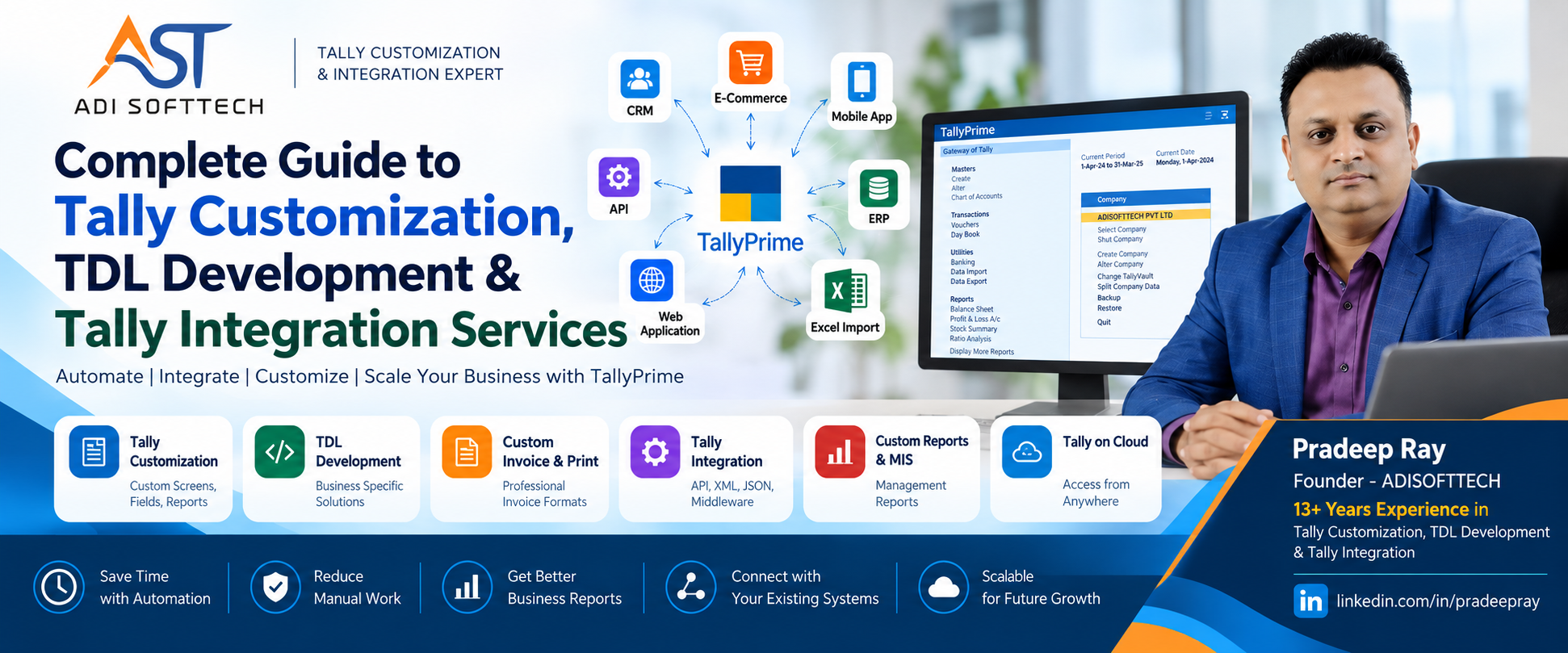
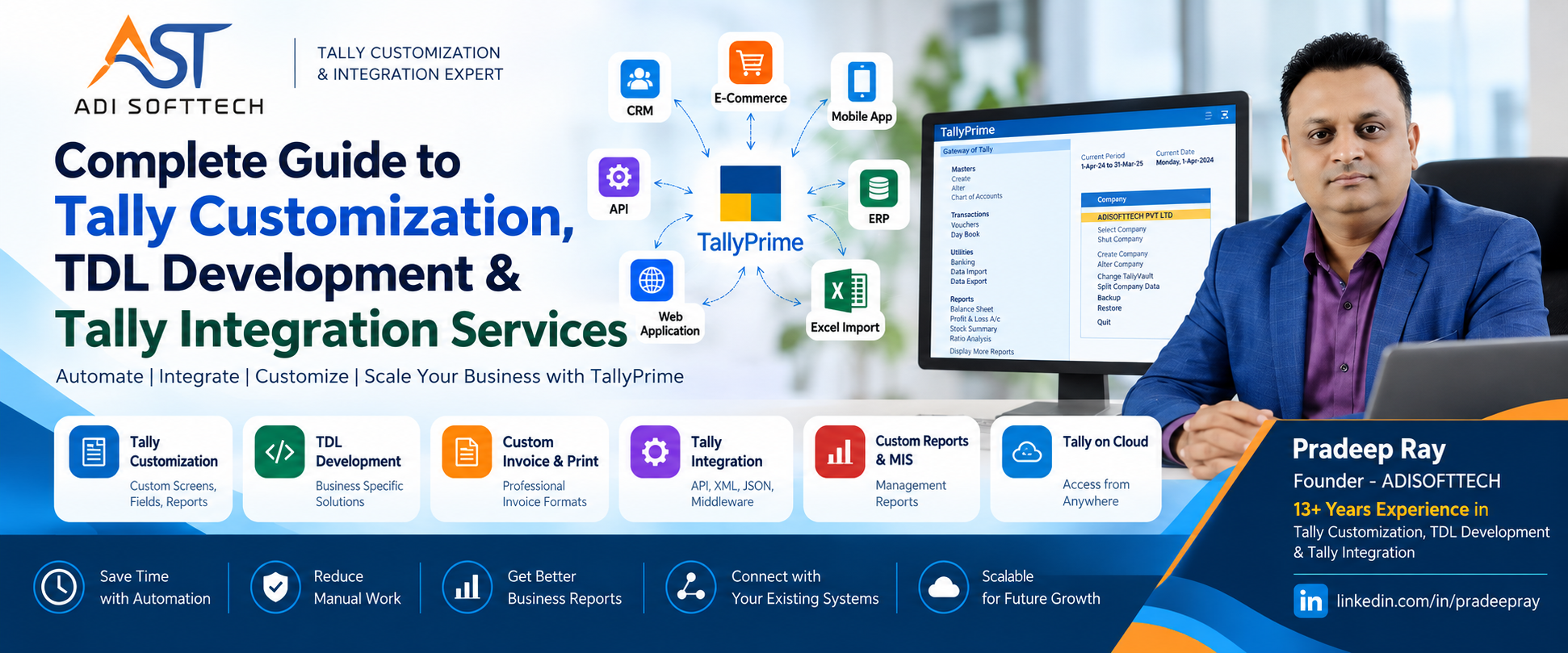
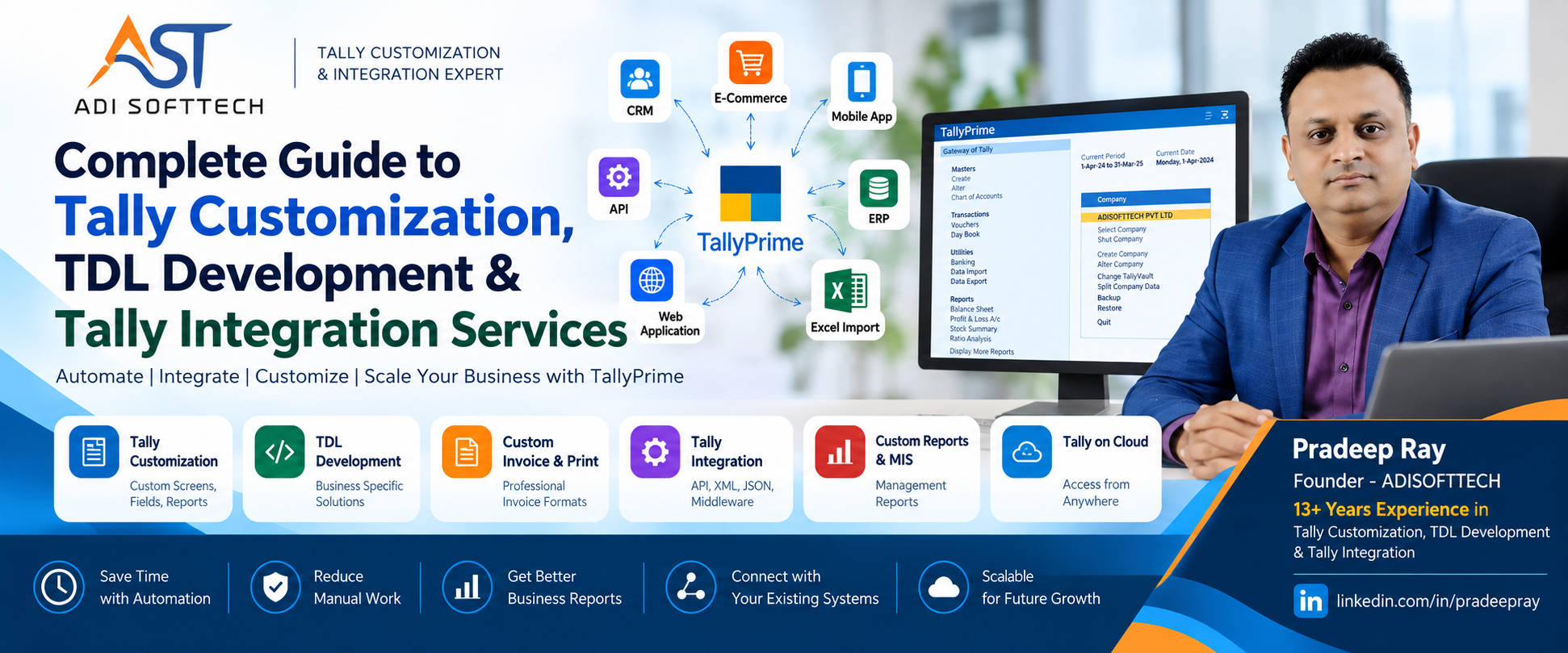
Looking for an experienced TDL developer? Pradeep Ray of ADISOFTTECH brings 13+ years of experience in Tally customization, TDL development, Tally API integration, custom reports and business automation
Looking for a TDL Developer? Complete Guide to Tally Customization, TDL Development & Tally Integration Services
Every business has its own way of working.
Two companies may both use TallyPrime for accounting, inventory and taxation, yet their actual business processes can be completely different. One company may need a special invoice format, another may need salesman-wise profitability, while another may want orders from its CRM, website or mobile application to automatically reach TallyPrime.
This is where Tally customization, TDL development and Tally integration become important.
Standard software is designed to satisfy common business requirements. But as a business grows, teams often spend increasing amounts of time doing repetitive work outside TallyPrime—maintaining Excel sheets, manually copying orders, preparing management reports, calculating commissions, checking approvals or entering the same information into multiple systems.
Replacing your accounting system is not always the answer. Sometimes the better approach is to customize your existing TallyPrime environment or connect it with the other applications your business already uses.
At ADISOFTTECH, we focus on understanding the business process first and then identifying whether the requirement should be solved through TDL development, TallyPrime customization, Tally integration, API integration, middleware, data import/export, cloud infrastructure or custom application development.
This detailed guide explains what a TDL developer does, what can be customized in TallyPrime, how Tally integration works, where businesses can use automation and what you should consider when choosing a Tally customization or TDL development expert.
About the Tally & TDL Expert Behind ADISOFTTECH
Pradeep Ray, founder of ADISOFTTECH, has more than 13 years of experience in Tally customization, TDL development and Tally integration.
Over the years, Pradeep has worked on practical business requirements involving TallyPrime customization, custom TDL development, invoice and voucher customization, MIS reports, business process automation, data import/export and integration of Tally with external applications.
His experience includes requirements where businesses need more than a standard accounting setup—for example, connecting TallyPrime with a CRM, ERP, web application, mobile application or other business system, automating repetitive processes, developing custom management reports, creating industry-specific TDL solutions and designing integration workflows.
The approach at ADISOFTTECH is based on a simple principle: understand the business process first, then design the technology around it.
If you are looking for an experienced TDL Developer, Tally Developer, TDL Expert, Tally Customization Expert or Tally Integration Expert, you can learn more about Pradeep Ray's professional background through LinkedIn.
Professional Profile: Connect with Pradeep Ray on LinkedIn
What Is TDL Development?
TDL stands for Tally Definition Language. It is used to extend and customize the functionality of TallyPrime according to specific business requirements.
A standard TallyPrime installation provides a broad range of accounting, inventory and business-management capabilities. However, every organization has different operational requirements.
TDL development helps bridge this gap.
Through properly planned TDL customization, businesses can introduce additional fields, reports, controls, calculations, print formats, validations and other business-specific functionality.
For example, imagine a distributor that pays different commissions to agents based on the products sold. One product may pay commission per piece, another based on quantity and another based on boxes.
Without customization, the accounts team may export sales information to Excel, calculate commission manually and prepare a separate statement.
A properly designed TDL solution can potentially bring this process closer to the transaction itself and generate the required commission report automatically.
This is the practical purpose of TDL development: to make TallyPrime better aligned with the way your business actually operates.
What Does a Professional TDL Developer Do?
A professional TDL developer does much more than simply write TDL code.
The first responsibility is understanding the business requirement. Before development starts, the developer should understand:
- What process is the business following today?
- Where is manual work happening?
- Which Tally masters and vouchers are involved?
- Which users perform the process?
- What information needs to be captured?
- What calculations are required?
- What reports does management expect?
- Are approvals or validations required?
- Does information need to move to another application?
- Should the integration be one-way or two-way?
- What should happen if synchronization fails?
- How should duplicate transactions be prevented?
Only after understanding these points should development begin.
This is particularly important because two businesses asking for the same "sales report" may actually need completely different solutions.
Why Do Businesses Need Tally Customization?
A common question is: "TallyPrime already provides many features. Why should we customize it?"
The answer is simple: your business process may not be standard.
You may need Tally customization if your team is currently doing things such as:
- Preparing reports manually in Excel every day
- Entering the same order in CRM and TallyPrime separately
- Calculating agent commission manually
- Editing invoices outside Tally before sending them to customers
- Maintaining additional transaction information in spreadsheets
- Checking approval rules manually
- Creating special management reports every month
- Importing hundreds or thousands of transactions manually
- Copying information between branches or applications
- Maintaining customer-specific product rates manually
- Preparing barcode or product labels separately
- Maintaining business-specific calculations outside TallyPrime
These repetitive activities consume employee time and can increase the possibility of data-entry mistakes.
A good Tally customization expert looks for opportunities to simplify these processes while keeping the solution practical, controlled and maintainable.
What Can Be Customized in TallyPrime?
The scope of TallyPrime customization can range from a small print-format modification to a complete business-specific workflow.
1. Tally Invoice Customization
An invoice is more than an accounting document. It is also something your customers see regularly, so it should contain the right information in a clear and professional format.
A customized Tally invoice may include:
- Company logo and branding
- Custom header and footer
- Customer-specific information
- Additional product descriptions
- Product codes
- Batch information
- Serial numbers
- Bank details
- Payment information
- QR codes
- Barcodes
- Dispatch details
- Transport details
- Vehicle information
- Terms and conditions
- Custom columns
- Additional tax information
- Customer purchase-order references
- Salesperson or agent information
- Multiple print formats
The objective is to generate the required document directly from TallyPrime without repeatedly modifying it in another application.
2. Custom Tally Reports & MIS Reports
Businesses collect large amounts of accounting and inventory data, but raw data is not always useful to management.
Management may want to know which customers generated the highest sales, which products are moving slowly, which salesperson has the highest outstanding amount or how much commission is payable to each agent.
A professional TDL developer can evaluate custom reporting requirements such as:
- Customer-wise sales analysis
- Product-wise sales analysis
- Salesperson-wise performance
- Agent-wise commission reports
- Outstanding analysis
- Receivable ageing
- Collection reports
- Product profitability
- Customer profitability
- Stock ageing
- Godown-wise stock
- Location-wise stock
- Batch-wise stock
- Purchase analysis
- Order status
- Pending order reports
- Production reports
- Material consumption reports
- Management MIS reports
Depending on the requirement, custom reports can include filters, sorting, drill-down options and additional business analysis.
3. Tally Voucher Customization
Sales, purchase, receipt, payment, journal and inventory vouchers may require additional information or business controls.
A voucher customization can potentially introduce:
- Additional voucher fields
- Mandatory information
- Business-specific validations
- Automatic calculations
- Customer-specific controls
- Product-specific controls
- Reference information
- Salesperson information
- Agent information
- Approval-related information
4. Tally Master Customization
Businesses may also need additional information in customer, supplier, product and other masters.
Custom requirements may involve:
- Additional customer information
- Supplier information
- Product attributes
- Agent mapping
- Salesperson mapping
- Customer classification
- Product classification
- Business-specific codes
- Additional reference fields
5. Business-Specific Calculations
Many organizations still maintain complex calculations outside TallyPrime.
Examples include:
- Agent commission
- Salesperson incentives
- Product schemes
- Quantity-based schemes
- Customer-specific calculations
- Additional charges
- Freight calculations
- Product-specific formulas
- Business-specific calculations
Where the rules are clearly defined, these calculations can be evaluated for automation through suitable TDL development.
Tally Approval, Validation & Control Customization
As a business grows, control becomes as important as speed.
Management may not want every user to perform every activity without validation.
Depending on the business process, Tally customization can be designed around:
- Transaction validation
- Mandatory reference fields
- User-specific restrictions
- Voucher-level controls
- Business-rule validation
- Document verification requirements
- Approval-related workflows
- Entry locking requirements
The purpose of good controls is not to make entry difficult. The objective is to reduce mistakes and improve business control without unnecessarily slowing down users.
Barcode & QR Code Customization in Tally
Retailers, distributors, manufacturers and warehouse operations often require barcode or QR-code-based processes.
A customized Tally solution can be designed around requirements such as:
- Product barcode generation
- Barcode label printing
- QR-code generation
- Invoice QR codes
- Batch information on labels
- Product information on labels
- PRN barcode printing
- Custom label formats
The implementation should consider the existing printer, barcode format, product coding system and operational workflow.
What Is Tally Integration?
Tally integration means connecting TallyPrime with another application so that information can move between systems without repeatedly entering the same data manually.
This has become increasingly important because businesses rarely operate entirely inside one application.
A company might use:
- TallyPrime for accounting
- CRM software for sales
- Mobile applications for field employees
- Web applications for operations
- E-commerce websites for online orders
- ERP applications for operational processes
- Dashboards for management reporting
Without integration, the same transaction may need to be entered several times.
A properly designed Tally integration solution aims to create a controlled flow of information between these systems.
How Does Tally API Integration Work?
Businesses frequently search for terms such as Tally API Integration, TallyPrime API, Tally Integration API, Tally Software Integration and Tally API Developer.
In practical terms, the requirement is usually to make an external application communicate with TallyPrime.
The exact technical architecture depends on the TallyPrime environment, external application and business workflow.
Integration solutions may involve technologies and interfaces such as:
- XML
- HTTP
- JSON
- ODBC
- TDL
- Custom middleware
- External REST APIs
- Application databases
Middleware can be particularly useful when information needs to be validated, transformed, mapped or logged before reaching the destination system.
Example: CRM to TallyPrime Integration
Imagine a company using a CRM application for its sales team.
A salesperson creates a lead, performs follow-ups, prepares a quotation and receives customer approval.
The CRM then converts the approved quotation into a Sales Order.
Without integration, somebody in accounts may need to enter that order again in TallyPrime.
With a properly designed integration, the workflow can potentially become:
Lead → Follow-up → Quotation → Approval → Sales Order → Integration Layer → TallyPrime
After invoicing, information can move in the opposite direction:
TallyPrime → Invoice Information → Integration Layer → CRM
This can reduce duplicate entry and help the sales and accounts teams work with a more connected process.
One-Way vs Two-Way Tally Integration
One-Way Tally Integration
Information moves from one system to another.
Example: Web Application → TallyPrime
An online order is transferred into TallyPrime, but information from TallyPrime is not returned to the web application.
Two-Way Tally Integration
Information moves between both systems.
Example: CRM ↔ Middleware ↔ TallyPrime
The CRM may send customers and orders to TallyPrime, while TallyPrime can return relevant invoice, receipt or outstanding information.
Two-way synchronization requires careful planning because ownership of data must be clearly defined.
Master Synchronization with TallyPrime
Integration projects often begin with master synchronization.
Possible requirements include:
- Ledger masters
- Customer masters
- Supplier masters
- Stock items
- Stock groups
- Units of measurement
- Godowns
- Locations
- Cost centres
- Voucher types
One important integration decision is determining which application owns each master.
If two systems independently create the same customer or product, duplicate records can become a serious problem. A well-designed integration should therefore establish a clear source of truth.
Transaction Integration with TallyPrime
Once master mapping is established, transactions can be integrated according to the business requirement.
Examples can include:
- Sales Orders
- Purchase Orders
- Sales Invoices
- Purchase Invoices
- Receipts
- Payments
- Journal Vouchers
- Credit Notes
- Debit Notes
- Stock Transactions
- Physical Stock
- Material Movement
Each transaction type requires validation because accounting information should never be transferred blindly.
Tally CRM Integration
A Tally CRM integration can help connect front-office sales activities with back-office accounting.
A typical workflow may look like:
Lead → Follow-up → Quotation → Sales Order → TallyPrime → Invoice → Receipt → Outstanding
This can provide authorized sales users with relevant business information without requiring them to perform every activity directly inside the accounting environment.
Tally Integration with Web Applications
Many companies now use custom web applications for operational processes while continuing to use TallyPrime for accounting.
A typical architecture may look like:
Customer Portal → Order → Web Application → API/Middleware → TallyPrime
The web application can remain responsible for customer interaction and operational workflows while TallyPrime remains responsible for accounting.
Tally Integration with Mobile Applications
Consider a distributor with salespeople visiting customers throughout the day.
Traditionally, a salesperson may send an order through WhatsApp, email or Excel, after which office staff enter it into TallyPrime.
A connected mobile application can potentially change the workflow to:
Salesperson → Mobile App → Order → Server/API → TallyPrime
Depending on the requirement, authorized users may also receive information such as:
- Order status
- Invoice information
- Customer outstanding
- Product information
- Relevant stock information
Tally E-Commerce Integration
E-commerce businesses may receive a large number of orders, making manual accounting entry inefficient.
A customized Tally e-commerce integration can potentially exchange information such as:
- Customer details
- Product information
- Online orders
- Sales transactions
- Payment information
- Stock information
- Order status
A professional integration should also consider product mapping, customer mapping, taxes, cancellations, returns, duplicate transactions and synchronization errors.
Excel to Tally Import
Excel continues to play an important role in business.
Many organizations receive or maintain information in Excel even when TallyPrime is their accounting system.
Common Excel to Tally import requirements can include:
- Sales import
- Purchase import
- Receipt import
- Payment import
- Journal import
- Master import
- Opening data import
- Stock data import
- Order import
A custom Excel/CSV to Tally solution can save significant time when large volumes of structured information need to be processed.
Validation is important. Missing masters, incorrect dates, invalid values, duplicate vouchers and incomplete information should be considered before transactions are created.
Tally XML Integration
XML is commonly used in Tally integration scenarios.
An external application may generate structured XML information, communicate with TallyPrime through an appropriate interface and process the resulting response.
A professional integration should consider:
- Request validation
- Response handling
- Error messages
- Transaction status
- Logging
- Retry handling where appropriate
Tally JSON Integration
Modern web and mobile applications commonly use JSON for exchanging information.
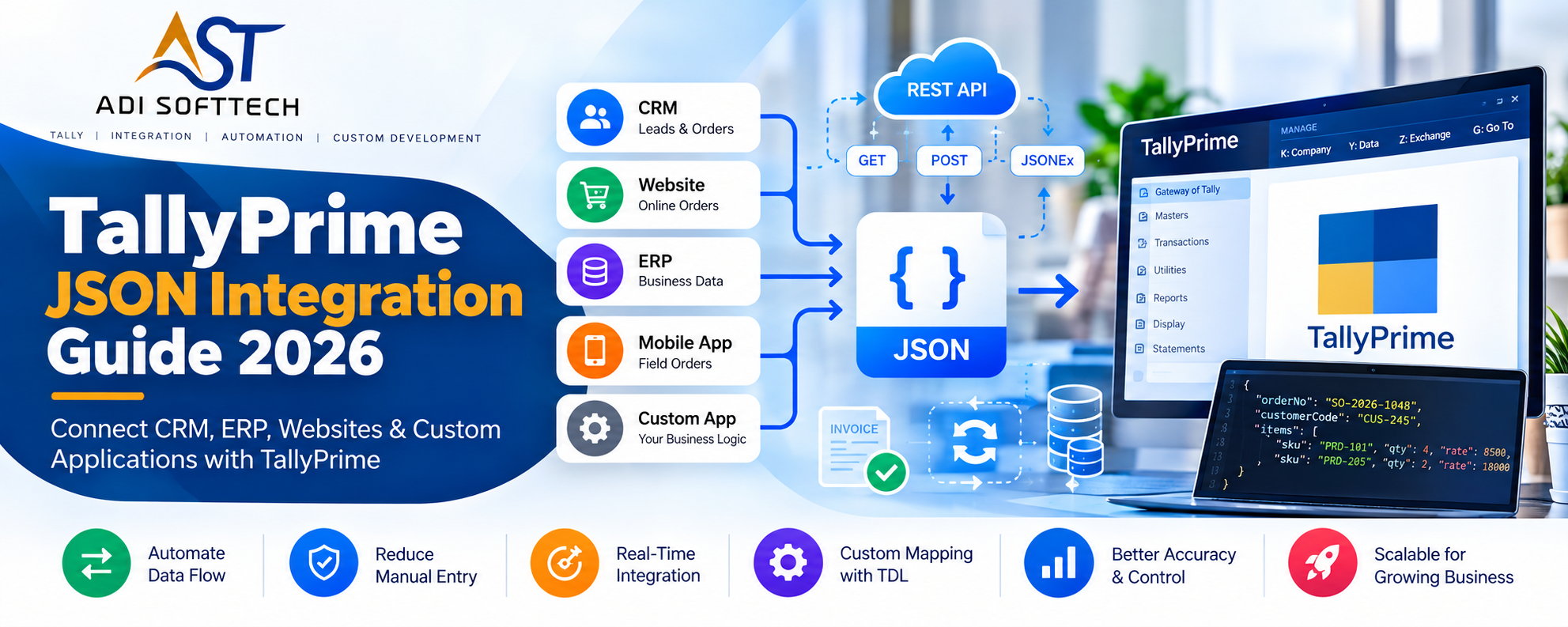
Depending on the supported environment and architecture, JSON can form part of an integration solution through middleware that transforms information between the external application and TallyPrime.
This is particularly useful when TallyPrime needs to communicate with modern web applications, APIs, mobile applications or cloud-based systems.
Why Middleware Matters in Tally Integration
For simple projects, a direct connection may be sufficient. For larger integrations, middleware can provide an important control layer between TallyPrime and an external application.
A middleware service can potentially:
- Validate incoming information
- Transform data formats
- Map external IDs to Tally masters
- Maintain synchronization status
- Log successful transactions
- Log failed transactions
- Prevent duplicates
- Manage retry processes
- Provide APIs to external applications
Error Handling in Tally Integration
A successful integration project must also plan for failure.
What happens if TallyPrime is temporarily unavailable? What happens if a customer master does not exist? What happens if the same order is submitted twice? What happens if a product code in another system does not match TallyPrime?
A robust integration architecture may therefore include:
- Error logs
- Synchronization status
- Duplicate checks
- Validation messages
- Retry mechanisms
- Transaction references
- Audit information
Tally Customization for Manufacturing Companies
Manufacturing businesses often require more operational information than standard accounting alone.
Potential requirements may include:
- Raw material tracking
- Supplier-wise material information
- Godown/location management
- Batch tracking
- Production entries
- Bill of Materials related processes
- Material consumption
- Finished goods tracking
- Production planning information
- Quality-related information
- Production MIS reports
Because manufacturing processes differ significantly between companies, these projects should begin with detailed requirement analysis.
Tally Customization for Distributors & Wholesalers
Distribution businesses frequently require additional controls around salespeople, agents, customer outstanding, schemes, collections and stock.
Typical requirements may include:
- Salesperson-wise customer mapping
- Salesperson-wise sales
- Agent mapping
- Agent commission
- Customer outstanding
- Collection tracking
- Order processing
- Product schemes
- Customer-specific pricing
- Area-wise sales
- Route-wise reports
- Godown-wise stock
- Pending order tracking
Tally Customization for Retail Businesses
Retail businesses may require fast transaction processing combined with accurate stock information.
- Barcode-based processes
- Custom invoice formats
- Product labels
- Stock reports
- Product-wise analysis
- Location-wise reporting
- External POS integration
- E-commerce integration
Tally Customization for Service Companies
Service businesses may have fewer inventory requirements but more customer, project, billing and reporting requirements.
- Custom service invoices
- Customer-specific billing information
- Project-related information
- Outstanding reports
- Management reports
- Approval controls
- CRM integration
Tally on Cloud & Remote Business Operations
Businesses increasingly need accounting access from multiple locations.
A properly configured hosted Tally environment can allow authorized users to work remotely, subject to the selected infrastructure, licensing and security configuration.
Tally on Cloud can be useful for:
- Business owners
- Remote accountants
- Branch offices
- Multi-location companies
- Management teams
- CA and accounting teams
Cloud infrastructure can also form part of a broader integration architecture.
Mobile Sales Team → CRM → Middleware/API → Hosted TallyPrime → Management Reporting
Tally Automation – Where Can Businesses Save Time?
The biggest benefit of customization is often not a new screen or report. It is the time saved by removing repetitive work.
Potential Tally automation opportunities include:
- Automatic calculations
- Automatic report preparation
- Data import
- Data export
- Invoice formatting
- Order transfer
- Master synchronization
- Business-rule validation
- Commission calculation
- Scheme calculation
- Barcode and label generation
TDL Developer vs Tally Integration Developer
Although these terms are related, they describe different areas of expertise.
A TDL developer primarily focuses on customizing functionality within TallyPrime using Tally Definition Language.
A Tally integration developer may need to work across multiple technologies including TallyPrime, APIs, middleware, databases, web applications and other external systems.
A modern Tally project may require both skill sets.
For example, an external CRM may require a new field inside TallyPrime. TDL may be required to create or expose the functionality, while middleware may then transfer the information between the CRM and TallyPrime.
This is why complex projects benefit from a developer or technology partner who understands the complete business and technical flow rather than only one technology.
How to Choose the Right TDL Expert or Tally Developer
If you search for TDL Expert, TDL Developer, Tally Developer, Tally Customization Expert or Tally Integration Expert, price should not be the only selection criterion.
Consider whether the developer understands:
- Your business process
- Accounting workflow
- Tally masters and vouchers
- TDL development
- Data validation
- Integration architecture
- APIs and middleware
- Error handling
- Testing and deployment
- Post-deployment support
A developer should be able to explain not only how the customization will be developed but also why the proposed solution fits your business workflow.
Why Choose ADISOFTTECH for TDL Development & Tally Integration?
ADISOFTTECH provides Tally customization, TDL development and Tally integration solutions under the leadership of Pradeep Ray, a Tally and TDL professional with more than 13 years of experience working with business-specific Tally requirements.
Our experience is not limited to making small changes inside TallyPrime. We work on requirements where Tally needs to become part of a larger business workflow involving CRM systems, ERP applications, websites, mobile applications, APIs, middleware, Excel/CSV data, databases and cloud infrastructure.
We believe successful Tally customization starts with understanding the business problem. Before suggesting TDL development or integration, we first study the existing process, identify repetitive work and understand the expected result.
Our Tally-related services include:
- TallyPrime Customization
- TDL Development
- Custom TDL Development
- Tally Invoice Customization
- Tally Print Customization
- Tally Voucher Customization
- Custom Tally Reports
- Tally MIS Reports
- Tally API Integration
- Tally XML Integration
- Tally JSON Integration
- Tally CRM Integration
- Tally ERP Integration
- Tally Web Application Integration
- Tally Mobile Application Integration
- Tally E-Commerce Integration
- Excel/CSV to Tally Import
- Tally Data Export
- Barcode and QR Code Customization
- Business Process Automation
- Tally on Cloud Solutions
Our Tally Customization & Integration Development Process
Step 1: Requirement Discussion
We understand your existing workflow, pain points and expected result.
Step 2: Process Analysis
We identify where TallyPrime is involved and where external applications or manual processes are involved.
Step 3: Feasibility Analysis
We evaluate whether the requirement should be handled through TDL, integration, middleware, an external application or a combination of technologies.
Step 4: Solution Design
The required screens, reports, fields, calculations, integrations and data flows are planned.
Step 5: Development
The agreed solution is developed according to the defined requirement.
Step 6: Testing
Representative business scenarios are tested before production deployment.
Step 7: Customer Validation
The customer verifies that the solution matches the agreed business process.
Step 8: Deployment
After validation, the solution is deployed into the required environment.
Step 9: Support
Post-deployment support can be provided according to the agreed project or support terms.
Pradeep Ray – TDL Developer, Tally Customization & Integration Expert
Pradeep Ray has more than 13 years of experience in Tally customization, TDL development and Tally integration.
His experience includes developing customized solutions for businesses that need TallyPrime to work according to their actual operational requirements rather than forcing their business process to fit a standard workflow.
Areas of experience include:
- TallyPrime Customization
- TDL Development
- Custom Invoice and Print Formats
- Voucher Customization
- Custom MIS and Management Reports
- Sales and Purchase Customization
- Agent and Salesperson Commission Solutions
- Barcode and QR Code Solutions
- Excel, CSV, XML and JSON Import/Export
- Tally API Integration
- CRM to Tally Integration
- ERP to Tally Integration
- Website to Tally Integration
- Mobile Application to Tally Integration
- Custom Software to Tally Integration
- Business Process Automation
- Tally on Cloud Solutions
The focus is not simply on writing TDL code. The objective is to understand how the customer currently works, what problem needs to be solved and how TallyPrime can be customized or integrated to improve that process.
LinkedIn: Pradeep Ray – TDL Developer & Tally Expert
Frequently Asked Questions About TDL Development & Tally Customization
What is a TDL Developer?
A TDL developer uses Tally Definition Language to customize and extend TallyPrime according to specific business requirements.
Who is Pradeep Ray?
Pradeep Ray is the founder of ADISOFTTECH and has more than 13 years of experience in Tally customization, TDL development and Tally integration, including business-specific customization, reports, automation and external application integration.
What is a TDL Expert?
A TDL expert has experience understanding TallyPrime structures and developing business-specific customizations using Tally Definition Language.
Can TallyPrime be customized?
Yes. Many screens, reports, print formats, fields, validations and business processes can be customized depending on technical feasibility and the exact requirement.
Can custom invoices be created in TallyPrime?
Yes. Invoice formats can be customized with branding, additional fields, QR codes, barcodes, bank details, product information, terms and other business-specific information.
Can custom MIS reports be developed in Tally?
Yes. Custom reports can be developed using available Tally data according to management and operational requirements.
Can Tally integrate with CRM software?
Yes. A suitable integration architecture can connect a CRM with TallyPrime so required customers, orders, invoices, receipts or other information can move between the systems.
Can Tally integrate with ERP software?
Yes. Depending on the external ERP interfaces and required workflow, middleware can be used to exchange and validate information between ERP software and TallyPrime.
Can Tally integrate with a website?
Yes. A website or web application can communicate with TallyPrime through a suitable integration layer based on the technical environment.
Can Tally integrate with an e-commerce website?
Yes. A customized integration can exchange relevant orders, customers, products, stock, payment or transaction information depending on the business requirement.
Can Tally connect with a mobile application?
Yes. Mobile applications can communicate with a server or middleware service that exchanges required information with TallyPrime.
Can Excel data be imported into Tally?
Yes. Structured Excel or CSV information can be processed and imported into TallyPrime through a suitable custom import solution.
Can Tally data be exported to another software?
Yes. Depending on the required information and technical environment, Tally data can be exported or exchanged with external systems.
What is Tally API Integration?
Tally API integration generally refers to connecting an external application with TallyPrime using suitable interfaces, APIs and/or middleware so information can be exchanged automatically.
What is the difference between TDL Development and Tally Integration?
TDL development primarily customizes functionality within TallyPrime. Tally integration focuses on exchanging information between TallyPrime and external systems. Many modern projects require both.
Can Tally be customized for manufacturing companies?
Business-specific solutions can be designed around manufacturing requirements such as production information, material tracking, batches, locations, consumption and customized reports depending on the exact workflow.
Can Tally be customized for distributors?
Yes. Distributor requirements may include salesperson tracking, agent commission, customer outstanding, schemes, order processing and customized sales or stock reports.
Can barcode functionality be added to Tally?
Barcode and label-related customizations can be developed according to the product coding, printing and operational requirements of the business.
Can Tally be used on Cloud?
Tally can be used in appropriately configured hosted environments, subject to applicable licensing, infrastructure and security requirements.
How long does Tally customization take?
The development time depends on the complexity of the requirement. A small print or report customization is very different from a multi-system API integration project, so requirements should be analyzed before estimating development time.
How much does TDL development cost?
The cost depends on scope, complexity, integration requirements, testing effort and support requirements. A requirement discussion is normally necessary before providing an accurate quotation.
Looking for a TDL Developer, Tally Expert or Tally Integration Expert?
If you reached this page while searching for a TDL Developer, TDL Expert, Tally Developer, Tally Customization Expert, Tally Integration Expert, Tally API Integration Developer or TallyPrime Customization Expert, the best way to start is by explaining your existing business workflow.
You don't need to know the technical solution yourself.
Tell us:
- What are you doing today?
- Where is your team spending unnecessary time?
- What information do you want inside Tally?
- What information needs to leave Tally?
- Which external application are you using?
- What final result do you expect?
ADISOFTTECH can evaluate whether your requirement is best handled through TDL development, Tally customization, Tally integration, API/middleware development, Excel import/export, custom software development or cloud infrastructure.
Contact ADISOFTTECH
If your business needs a customized TallyPrime solution or you are looking for an experienced TDL developer, contact ADISOFTTECH to discuss your requirement.
ADISOFTTECH
Tally Customization | TDL Development | Tally Integration | Tally API Integration | Custom Software Development | Tally on Cloud
Website: adisofttech.com
Expert: Pradeep Ray
Experience: 13+ Years
LinkedIn: Connect with Pradeep Ray
Conclusion
TallyPrime can remain at the center of your accounting process while still working with the other technologies your business uses.
The right solution may be a small TDL customization. It may be a custom management report. It may be an automated Excel import. Or it may be a complete integration connecting TallyPrime with CRM, ERP, a website, mobile application or another business platform.
The technology should follow the business requirement—not the other way around.
A capable TDL developer and Tally integration expert should begin by understanding your workflow, identifying repetitive work and determining where customization or automation can provide genuine business value.
With 13+ years of experience in Tally customization, TDL development and Tally integration, Pradeep Ray and ADISOFTTECH focus on developing practical solutions around real business requirements.
When implemented properly, Tally customization, TDL development, Tally API integration and business automation can help reduce duplicate entry, improve information accuracy, strengthen business controls and give management better access to the information it needs.
If your current TallyPrime setup does not fully match the way your organization works, contact ADISOFTTECH to discuss your requirement.